AstroGaze for Android
Explore the night sky on your phone. Find stars, planets and constellations with a live sky map and augmented reality.
Download on Google Play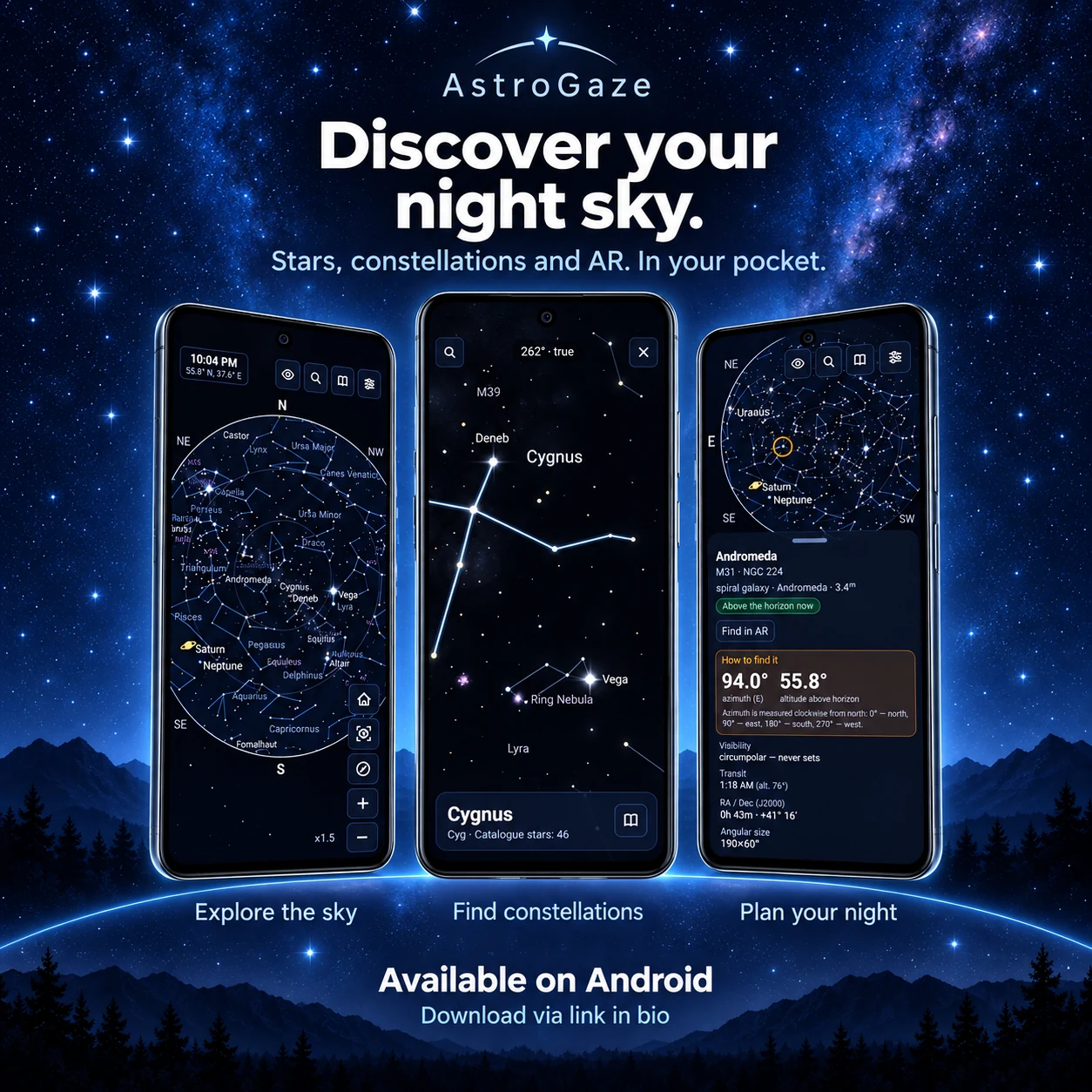
Explore with your phone
A sky map for your location
Set your observing location and time to see the stars, planets, Moon and Messier objects above your horizon. Move through time to plan an evening outside.
Find your target in augmented reality
Point your phone at the sky to place the map over the camera view. Select an object and follow the guide arrow to find its direction.
Details for your observing session
Open an object card for its altitude, azimuth and rise and set times. Browse all 110 Messier objects and the 88 constellations, whether you observe by eye, with binoculars or through a telescope.
Start observing
- Choose your observing location and set the time.
- Find a planet, star or Messier object in the search or catalogue.
- Open its observing details, then use the map or AR guide to locate it in the sky.
Before you head outside
Can I try AstroGaze before installing the app?
Yes. Open the online sky map in your browser to explore the catalogue and check what is above your horizon. The Android app adds a camera-based AR view for observing with your phone.
Does the Android app work offline?
Yes. The catalogues are included with the app, and planetary positions are calculated on the device. Download the app before your trip to use the map away from a network connection.
Do I have to share my location?
Location permission is optional. You can choose a preset observing location or enter coordinates manually.